Best Seller Icon Bestseller

Certificate In MS Office(S-BEAAE-3981)

  • Last updated Feb, 2026
  • Certified Course
Video Images
Preview this course
₹2,500 ₹3,500

Course Includes

  • Duration3 Months
  • Enrolled1
  • Lectures24
  • Videos0
  • Notes0
  • CertificateYes

What you'll learn

📘 Certificate in MS Office – Course Description

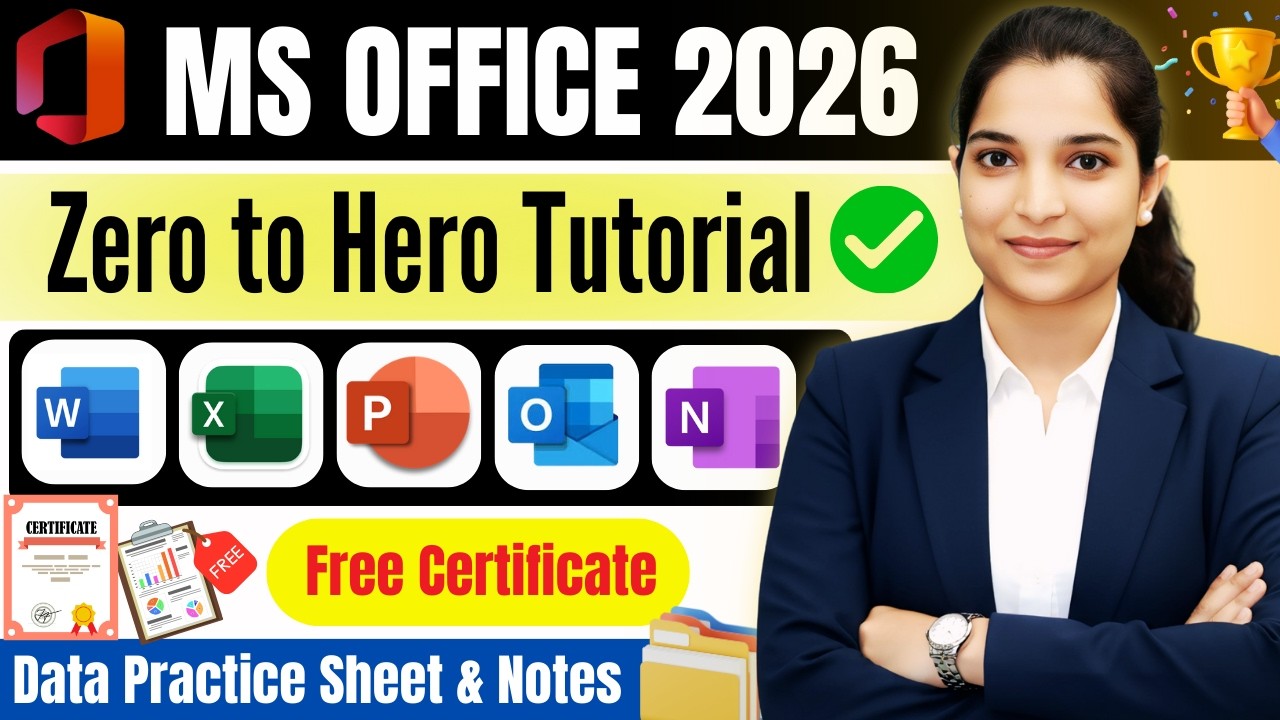
The Certificate in MS Office program is designed to provide comprehensive training in essential Microsoft Office applications used in academic, professional, and business environments. This course equips learners with practical skills to create documents, analyze data, design presentations, and manage office tasks efficiently.

Throughout the program, students gain hands-on experience in:

  • Microsoft Word – Document creation, formatting, reports, letters, and mail merge
  • Microsoft Excel – Spreadsheets, formulas, functions, charts, data analysis, and basic automation
  • Microsoft PowerPoint – Professional presentations, animations, slide design
  • Microsoft Outlook – Email management and scheduling
  • Microsoft Access (Basic) – Introduction to database management

🎯 Course Objectives

  • Develop strong computer and office productivity skills
  • Improve accuracy and efficiency in handling data and documents
  • Enhance employability in administrative, business, and corporate roles
  • Build confidence in using digital tools for professional growth

👩‍💻 Who Should Enroll?

  • Students
  • Job seekers
  • Office executives
  • Entrepreneurs
  • Beginners in computer applications

🏆 Certification

Upon successful completion, participants receive a Certificate in MS Office, validating their proficiency in essential office software applications.

Show More

Course Syllabus

📘 Certificate in MS Office

🗂 Course Syllabus

📌 Module 1: Computer Fundamentals

  • Introduction to Computers
  • Hardware & Software Basics
  • Operating System (Windows Basics)
  • File & Folder Management
  • Internet & Email Basics

📄 Module 2: Microsoft Word

  • Introduction to MS Word
  • Creating, Editing & Formatting Documents
  • Fonts, Paragraphs & Page Layout
  • Tables & Columns
  • Headers, Footers & Page Numbers
  • Insert Images, Shapes & SmartArt
  • Mail Merge
  • Printing & Document Protection

📊 Module 3: Microsoft Excel

  • Introduction to Excel Interface
  • Creating & Formatting Worksheets
  • Formulas & Basic Functions (SUM, AVERAGE, IF, COUNT)
  • Charts & Graphs
  • Sorting & Filtering Data
  • Conditional Formatting
  • Data Validation
  • Basic Pivot Tables

📽 Module 4: Microsoft PowerPoint

  • Creating Presentations
  • Slide Layout & Design
  • Themes & Templates
  • Insert Images, Charts & Media
  • Animations & Transitions
  • Slide Show Setup
  • Printing & Exporting Presentation

📧 Module 5: Microsoft Outlook

  • Email Setup & Management
  • Sending & Receiving Emails
  • Attachments
  • Calendar & Scheduling
  • Contacts Management

🗃 Module 6: Microsoft Access (Basic Introduction)

  • Introduction to Database
  • Creating Tables
  • Queries
  • Forms & Reports
  • Basic Data Management

🎯 Practical Assignments

  • Create a formatted business letter (Word)
  • Prepare salary sheet with formulas (Excel)
  • Design a company presentation (PowerPoint)
  • Send professional email with attachment (Outlook)
  • Create simple database (Access)

🏆 Course Duration (Recommended)

  • 3 Months (Regular)
  • OR
  • 6–8 Weeks (Fast Track)


Course Fees

Course Fees
:
₹3500/-
Discounted Fees
:
₹ 2500/-
Course Duration
:
3 Months

Review

0.0
Course Rating (0 reviews)
0%
0%
0%
0%
0%


Call
Text Message
Review
Email
CHAT